This Week on Proto Blast #32
Hello, everyone! :)
Okay, so, I finally got the chance to test Proto Blast touch interface on mobile device :)
I had to resize my harddisk partitions to give more free space to my system's /root partition. And.. whew, resizing hundreds of gigabytes actually takes quite a time, eh? XD But after that, the Ubuntu SDK didn't behave anymore :)
I installed the kit for my Ubuntu phone, and tried to run Proto Blast on it..... to find that it didn't run as intended.
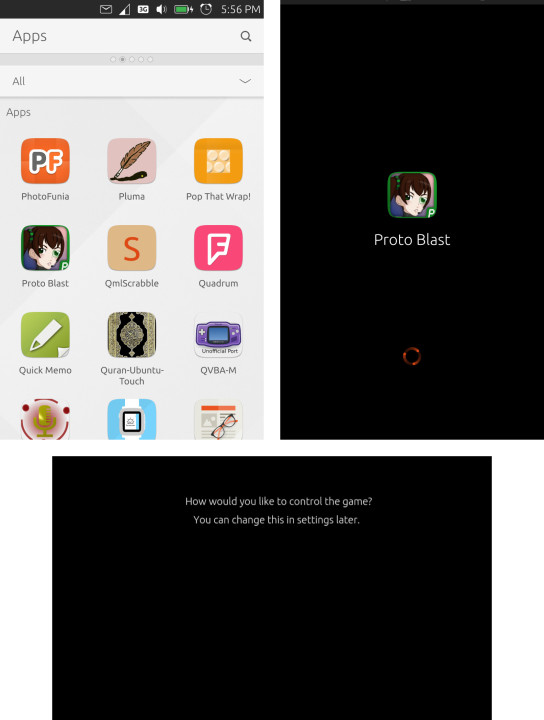 Hey, where's the option?
First, after simply running it from the exported code (with GDevelop's
Export to the web menu), that was the one I get. The text appeared, but the images that serves as the option buttons (keyboard or touch) is nowhere to be seen on the screen.
Okay, since it is a phone, I tried to workaround it for the time being, by defaulting the control to touch, but, then what I got is.. simply a grey screen. Considering that Ubuntu Touch is still under development, I wondered whether this was a current limitation of its HTML5 engine. It is strange, though, since there are many HTML5 games that runs well on Ubuntu Touch. Then, I tested it on Android by directly open the HTML page on Android's Chrome browser, only to find the same result.
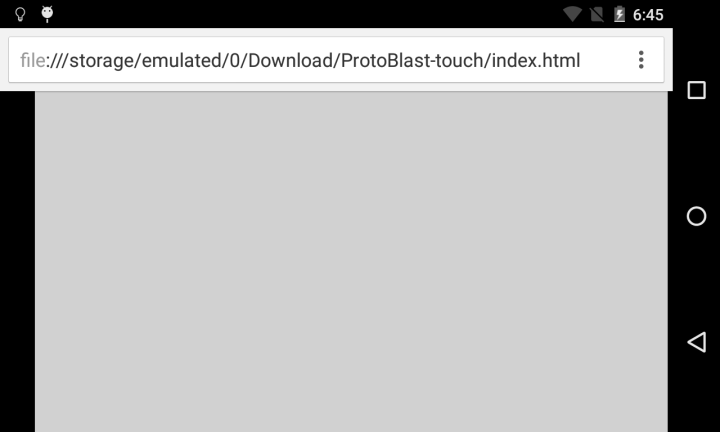 Is this supposed to be the main screen? O_o
It turned out that GDevelop needs the game to be exported with Cordova to run it on mobile devices, so I had to choose
Export to iOS or Android with Cordova (Intel XDK). So that's what I did. I exported the game, and imported the game to
Intel XDK.
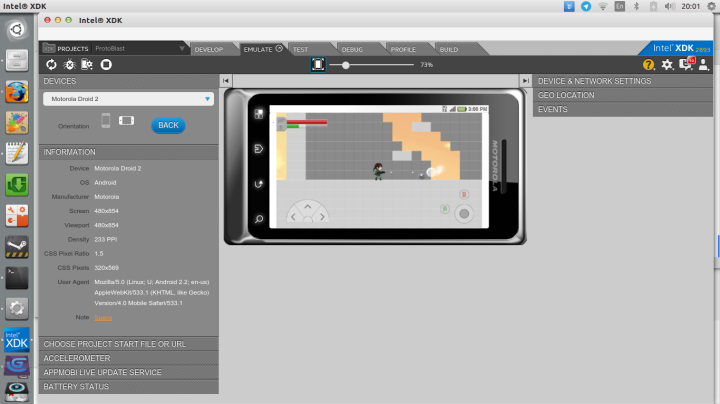 Emulating the game on Intel XDK
The game looks promising on the emulator, but the control was clumsy since I can only use mouse instead of really touching the screen to control it. So, then, of course, I tested it to run on a real Android device :)
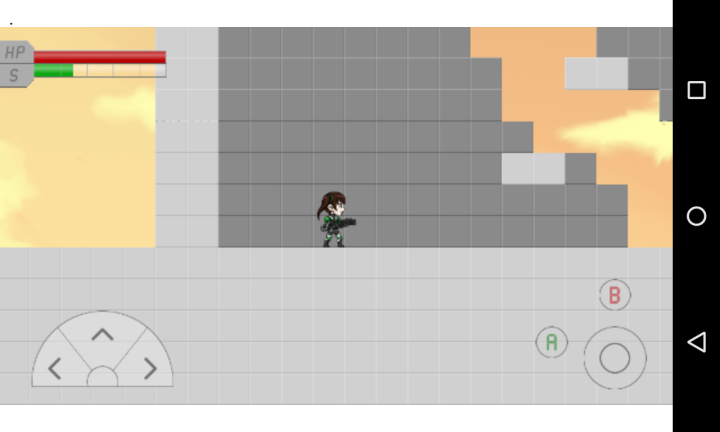 Running the game on a real Android device
For the testing purpose, I haven't really installed the game via APK file, though. I need to test how it works first, so, I used the XDK's App preview to load the game from server. Sadly, the control didn't work as I expected, too. When a finger is lifted from the button, the button stays in pressed state, and I couldn't make the player character jump while pressing the right or left button at the same time.
I think I need to tinker with the commands on GDevelop, or even better, get a reference on how the touch control supposed to be created on GDevelop.
Aside from that, I don't think there are more to mention beside some small touches to the level design and also some sketches for the next level. So, I guess that's it for now. Stay tuned for the next recap :)
13 Mar 2016, 23:55 UTC+07
Comments (0)
Write a comment »

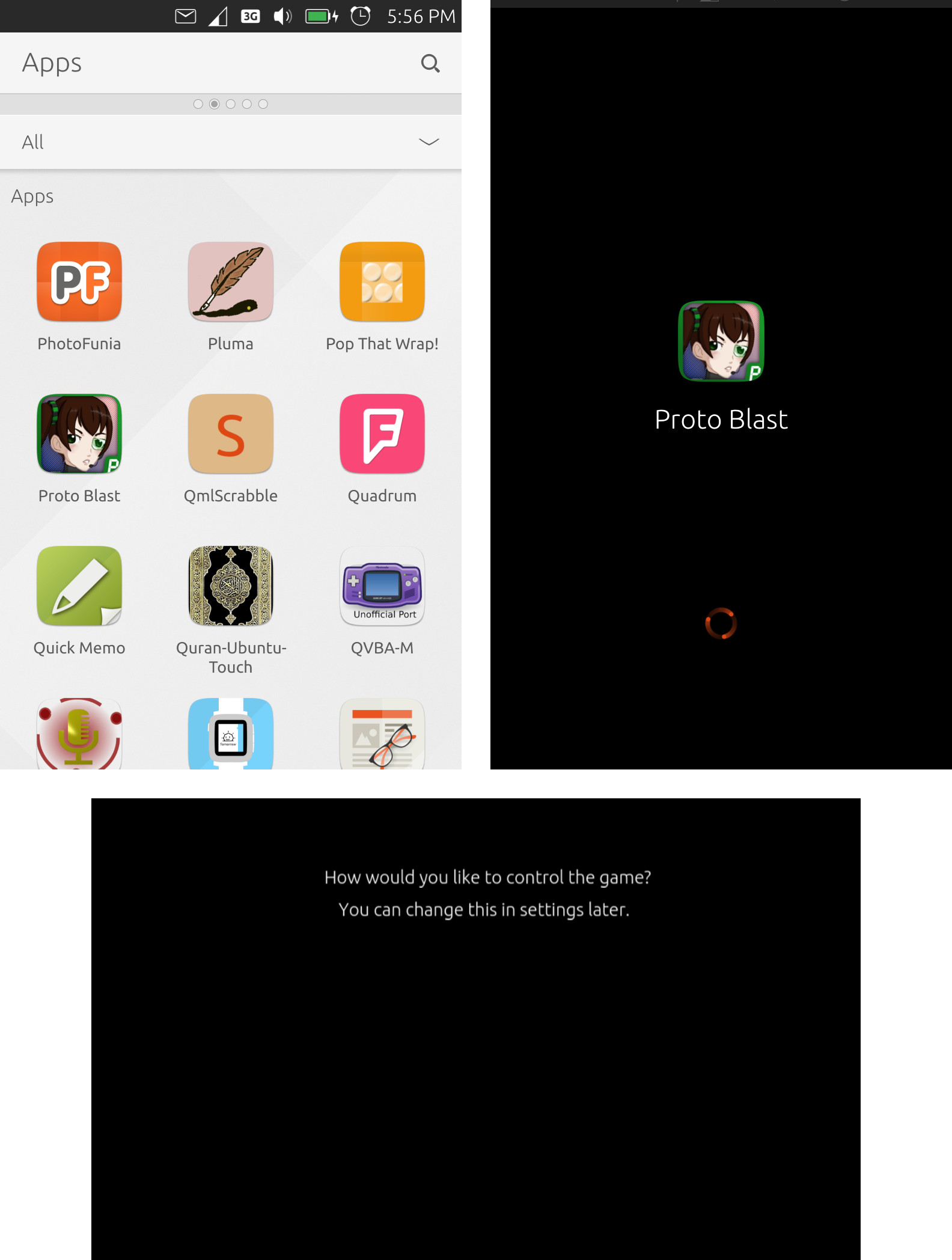 Hey, where's the option?
 Is this supposed to be the main screen? O_o
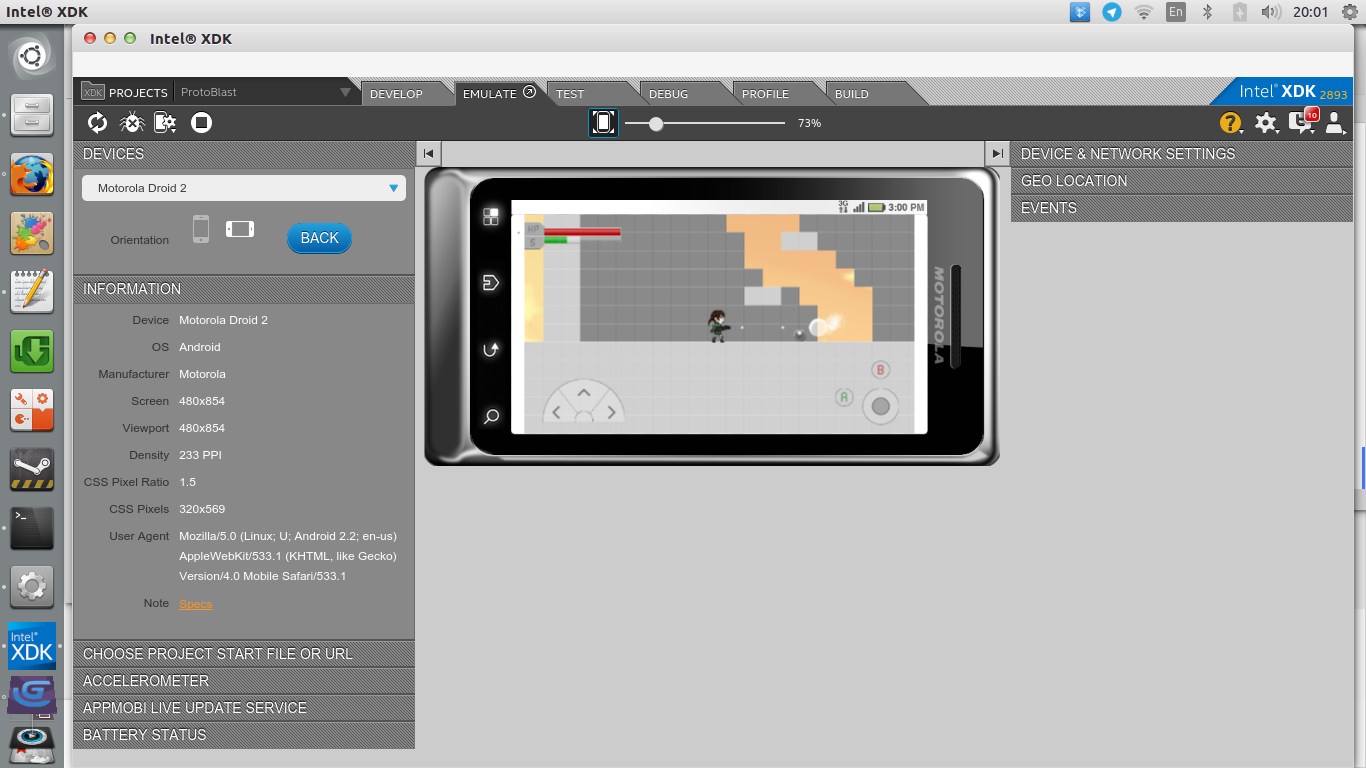 Emulating the game on Intel XDK
 Running the game on a real Android device


